Project Malmo (Microsoft Research)
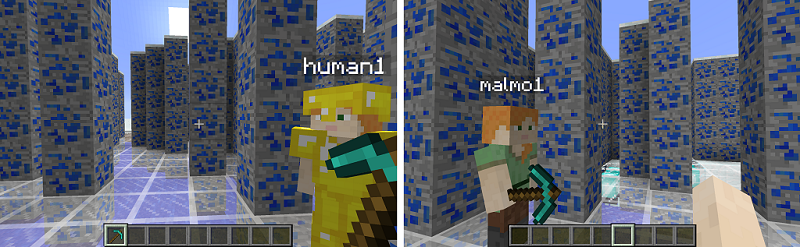
STATUS: Experimental - Under Active Development
Project Malmo is a sophisticated AI experimentation platform built on top of Minecraft, designed to support fundamental research in artificial intelligence. It consists of a Forge mod for Minecraft Java Edition (1.11.2) and a Python environment interface (MalmoEnv) that exposes a Gymnasium-compatible API.
MOSAIC integrates Malmo via MalmoEnv, the TCP-based Python wrapper that communicates with the Minecraft Java client. The 13 mission environments available in MOSAIC originate from the MarLo benchmark (2018 MarLo Challenge) but are served directly through MalmoEnv. The MarLo Python package itself is not required.
Quick Start
./setup_malmo.sh        # One-time setup (Java, assets, build)
./run_malmo.sh           # Terminal 1: Start Minecraft headless
./run.sh                 # Terminal 2: Start MOSAIC GUI
Two Control Modes
Human Play (Human Only): Keyboard and mouse go directly to Minecraft
via a native TCP side-channel (port 9001). Press W to walk, release to stop.
Feels like playing Minecraft natively. The Java mod auto-detects the human
connection and switches to InputType.HUMAN.
RL Training (Agent Only): An RL worker sends discrete actions
(move 1, turn 1) through the MalmoEnv step loop (port 9000).
The Java mod stays in InputType.AI mode where movement commands set
persistent velocities. The agent must learn to send move 0 to stop.
Both modes use port 9000 for observations. Only human play uses port 9001.
Architecture
        graph TB
    subgraph Minecraft["Minecraft Java Client (1.11.2)"]
        Forge["Forge 13.20.0.2228"]
        MalmoMod["Malmo Mod 0.37.0"]
        MalmoEnvServer["MalmoEnv Server<br/>Port 9000"]
        NativeInput["NativeInputHandler<br/>Port 9001"]
    end

    subgraph MOSAIC["MOSAIC GUI (PyQt6)"]
        Adapter["MalmoEnvAdapter"]
        Interaction["MalmoInteractionController"]
    end

    subgraph MarLo["MarLo Missions"]
        XMLs["Mission XML files<br/>(13 environments)"]
    end

    Adapter -- "observations, rewards, actions<br/>TCP :9000" --> MalmoEnvServer
    Interaction -- "keyboard, mouse<br/>TCP :9001" --> NativeInput
    XMLs -- "loaded at reset()" --> Adapter
Installation
pip install -e ".[malmo]"
See Installation and Usage Guide for the full setup guide (Java 8, Gradle build, headless launch).
Movement Types
Missions use either Discrete or Continuous movement commands. See Environments Reference for details on each mission’s movement type.
Discrete: One-shot block-based movement (
move 1= one block forward).Continuous: Persistent velocity (
move 1= keep moving untilmove 0).
Available Environments (13)
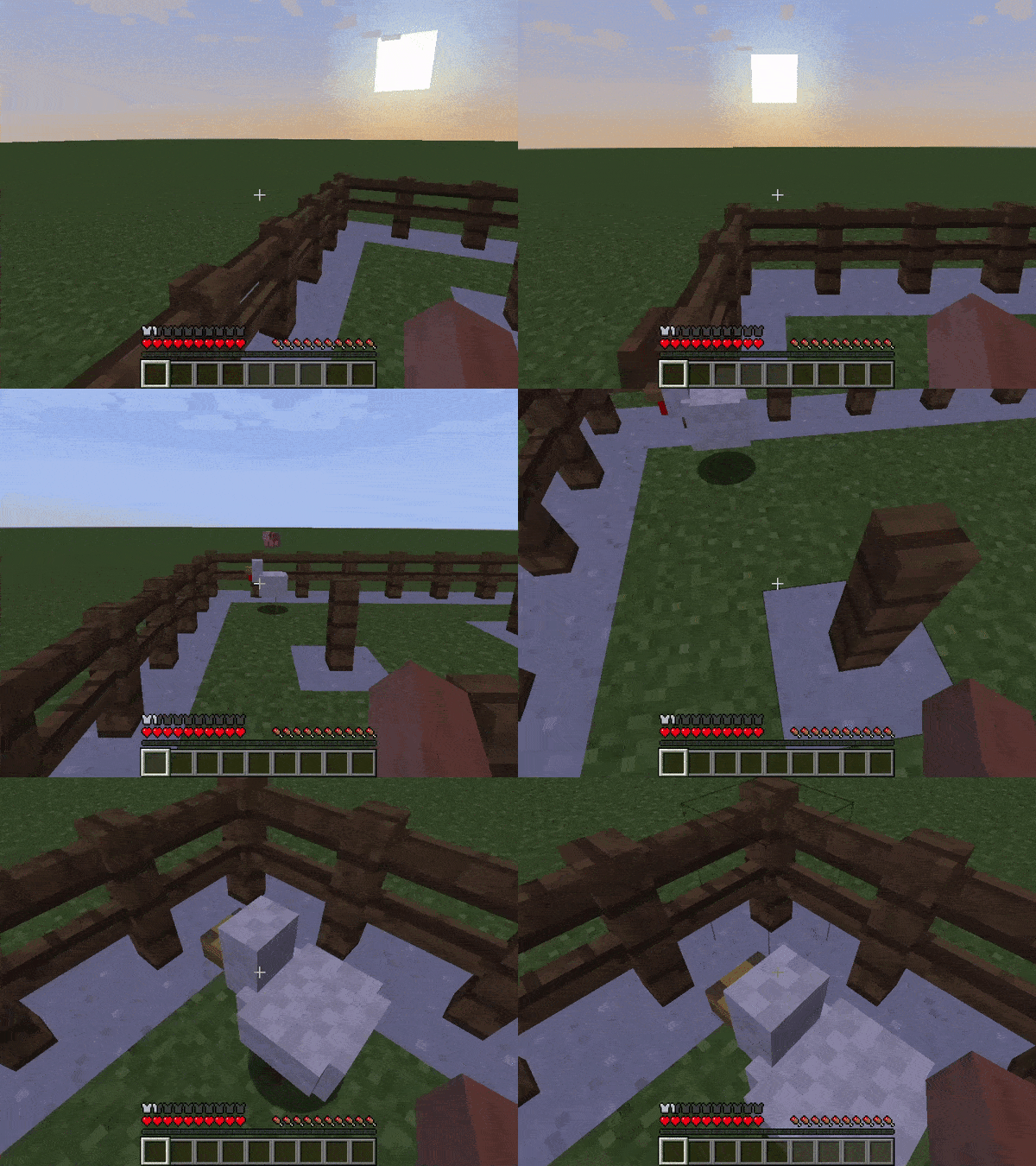
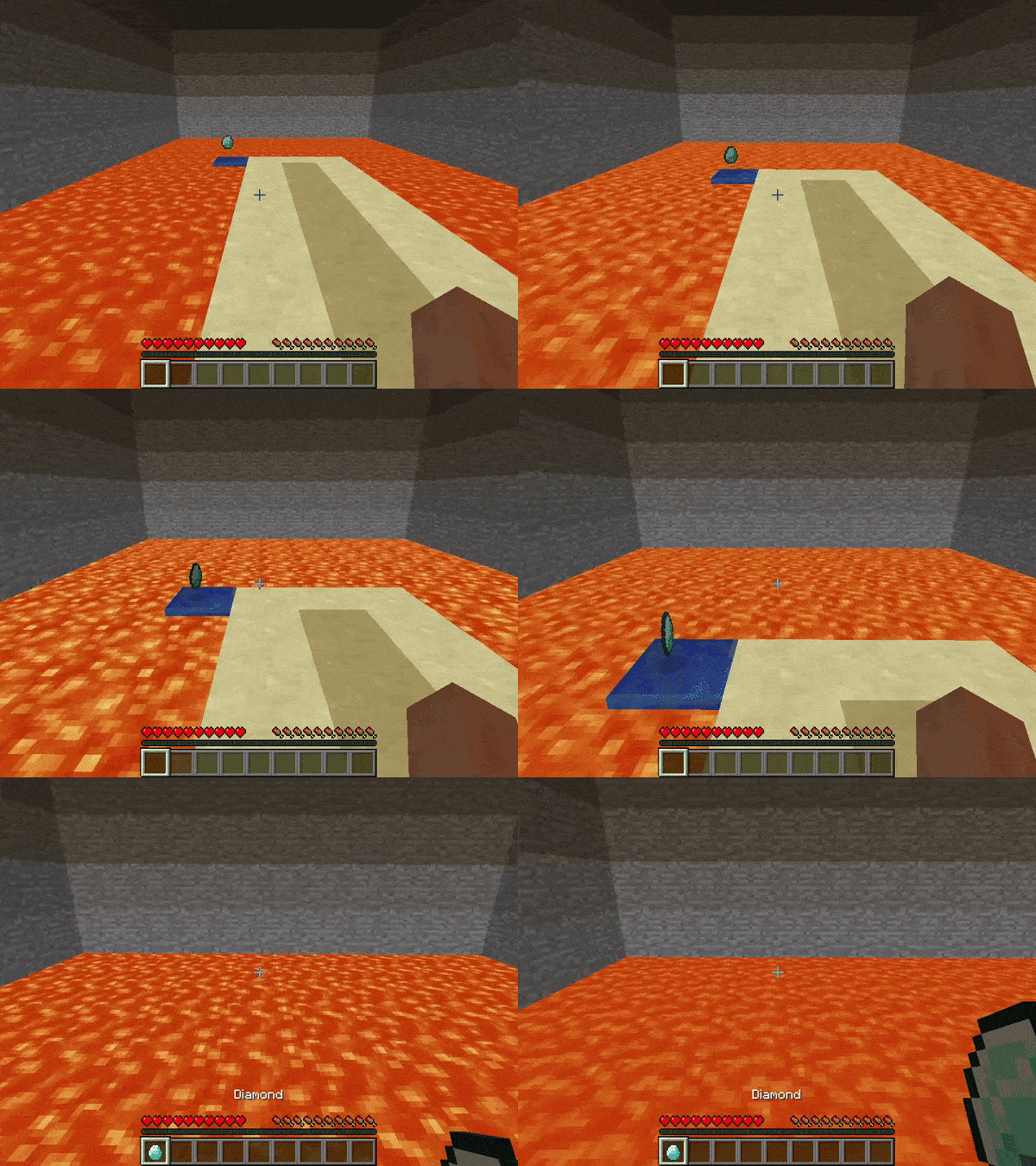
Discrete Movement (one-shot, block-based):
|
|
|
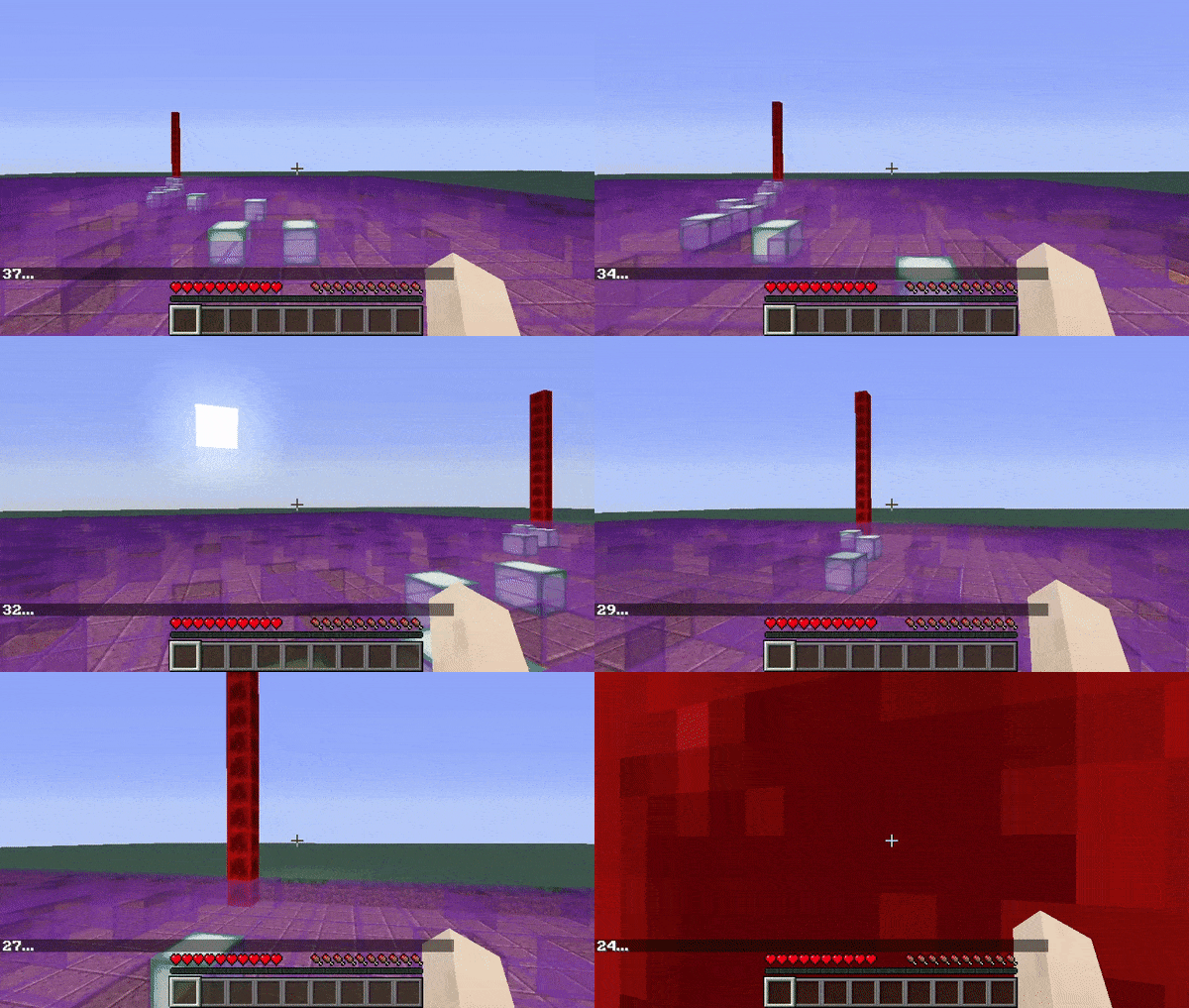
Continuous Movement (persistent velocity):
|
|
|
|
|
|
|
|
|
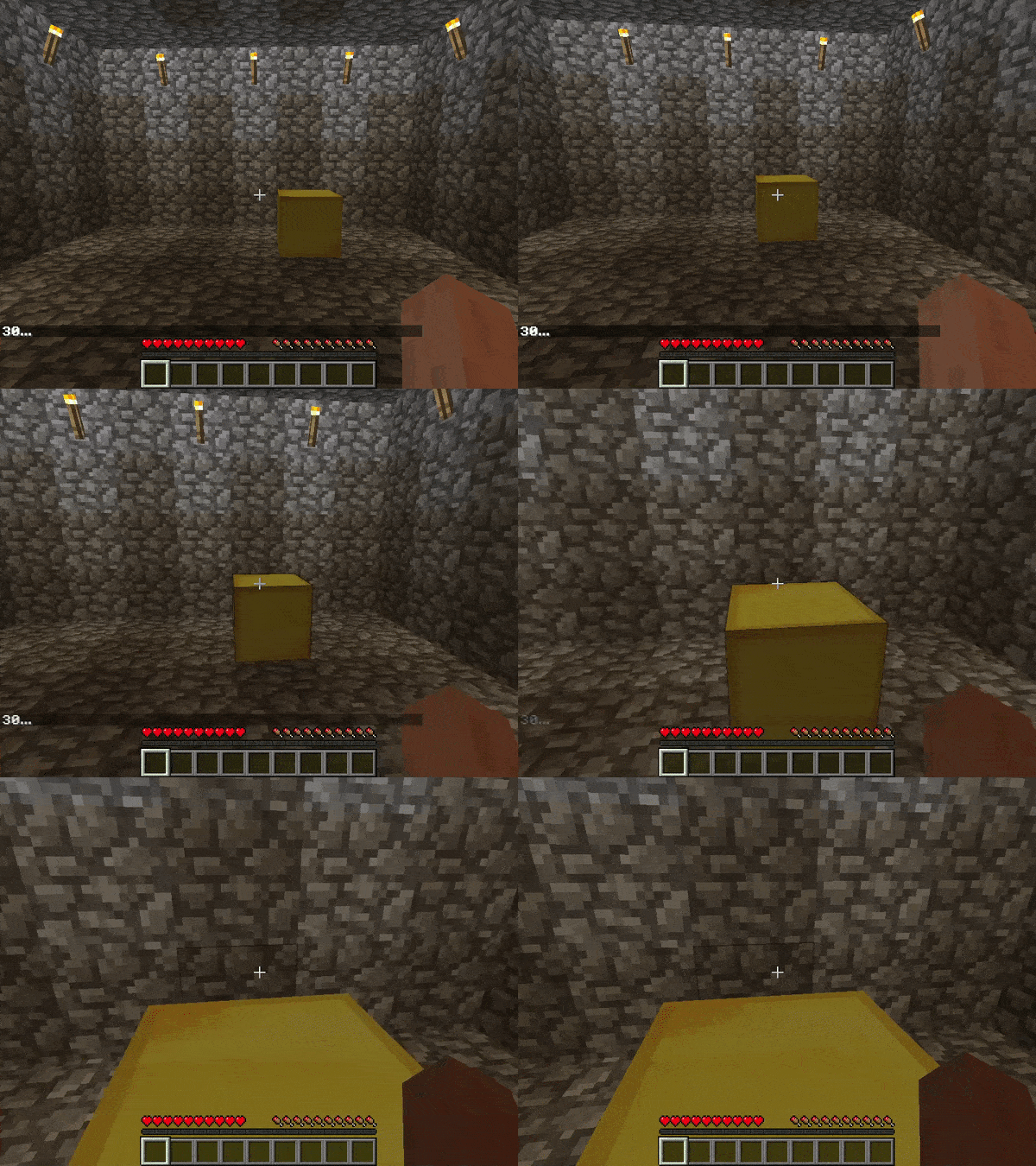
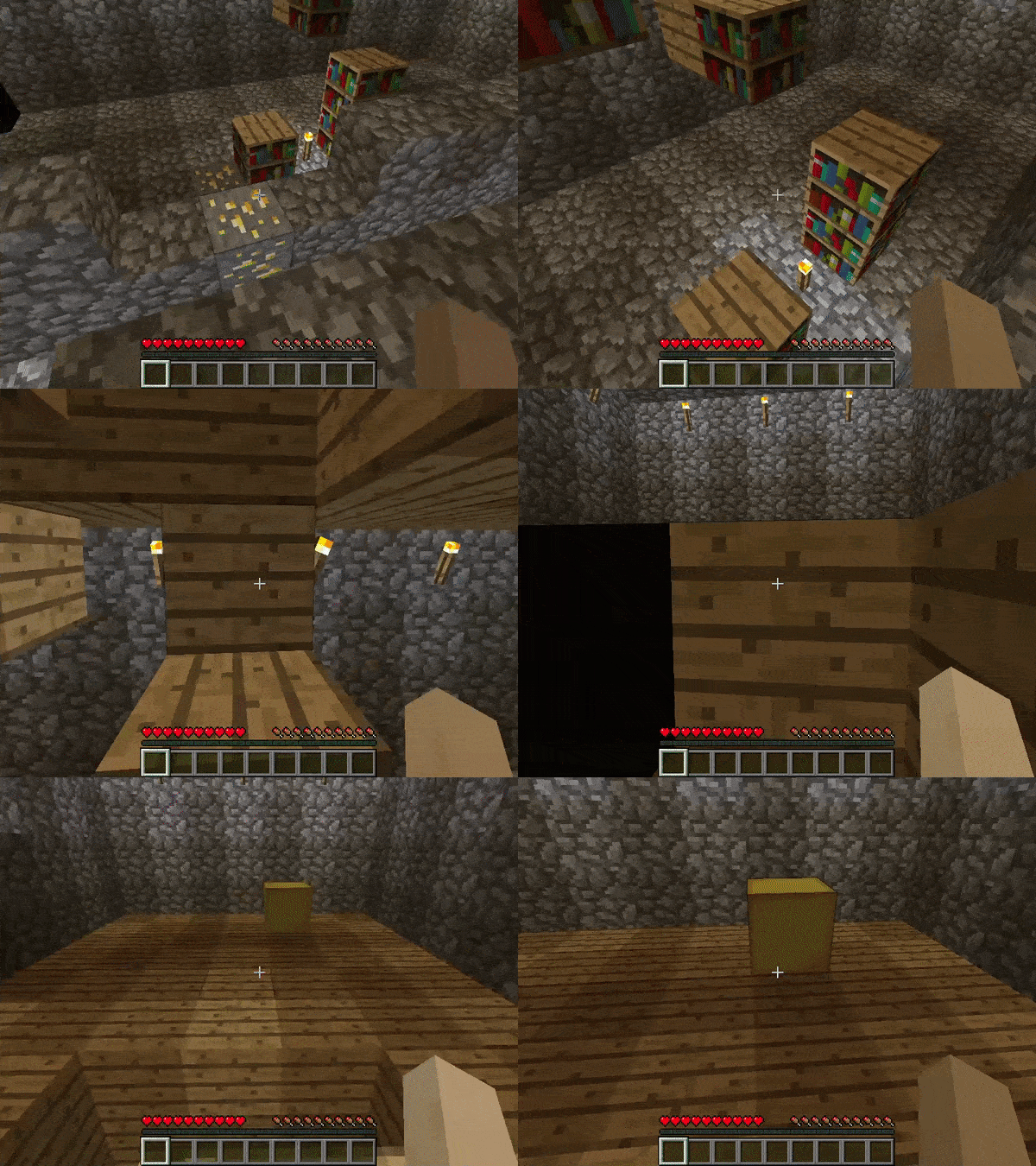
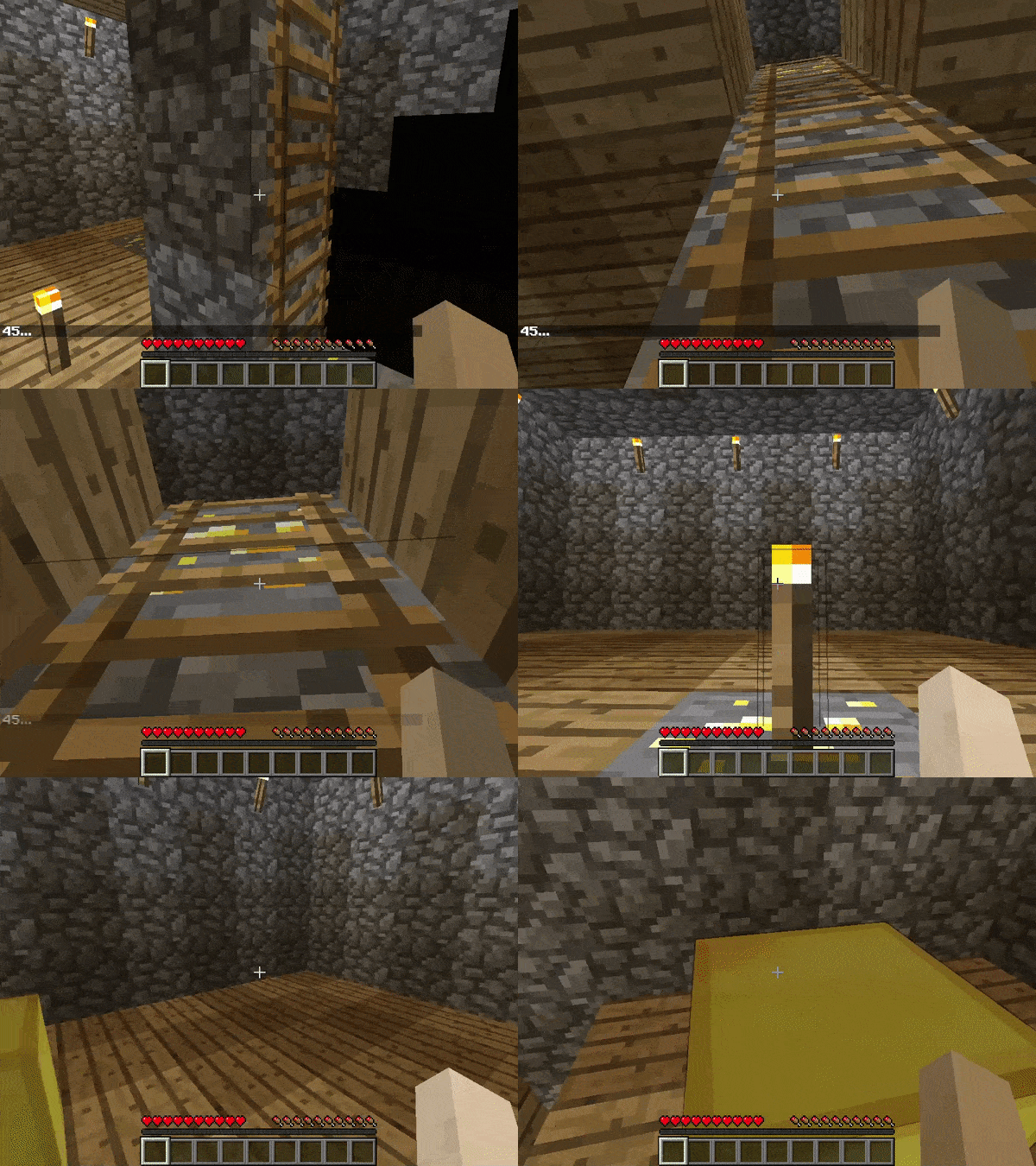
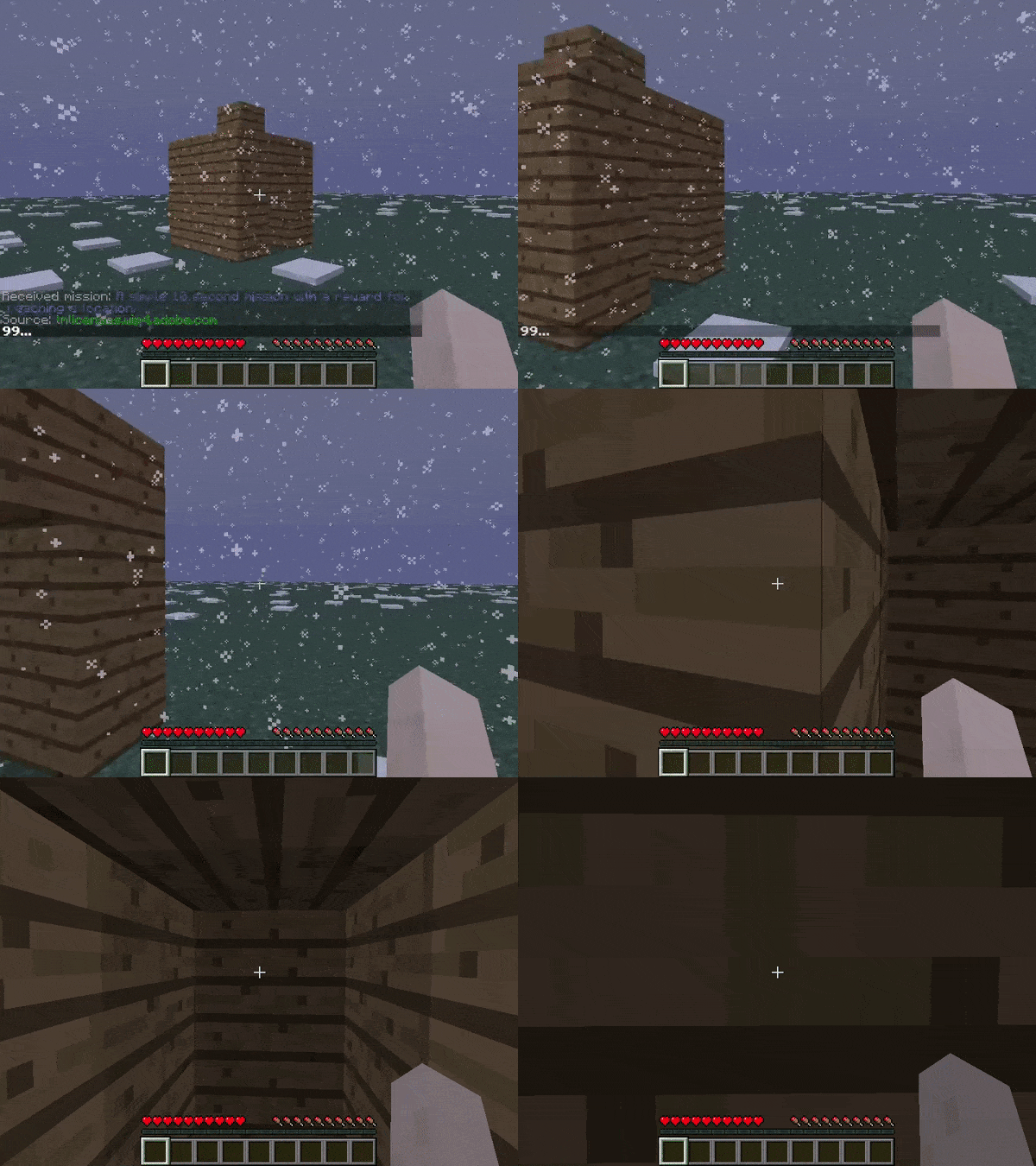
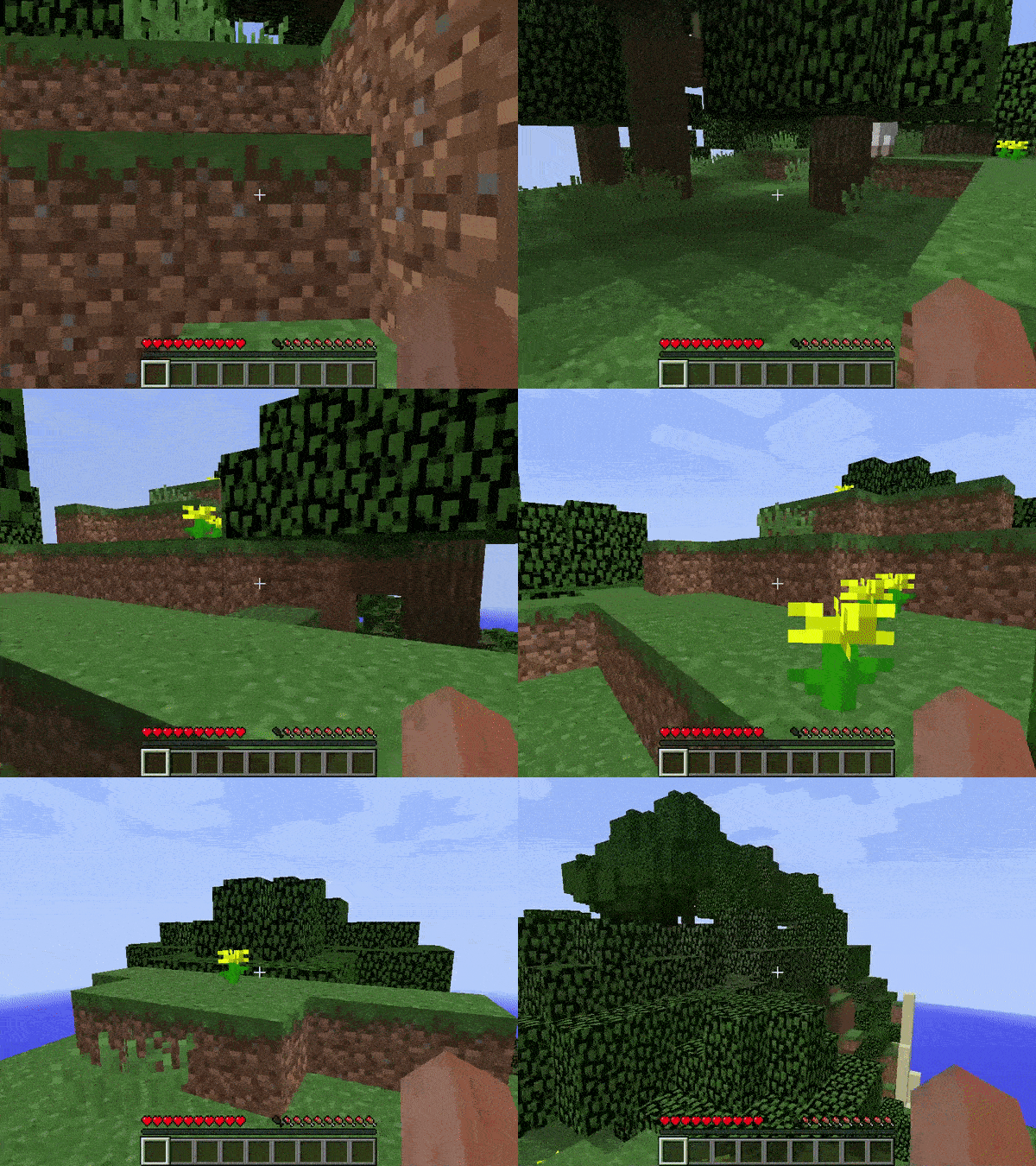
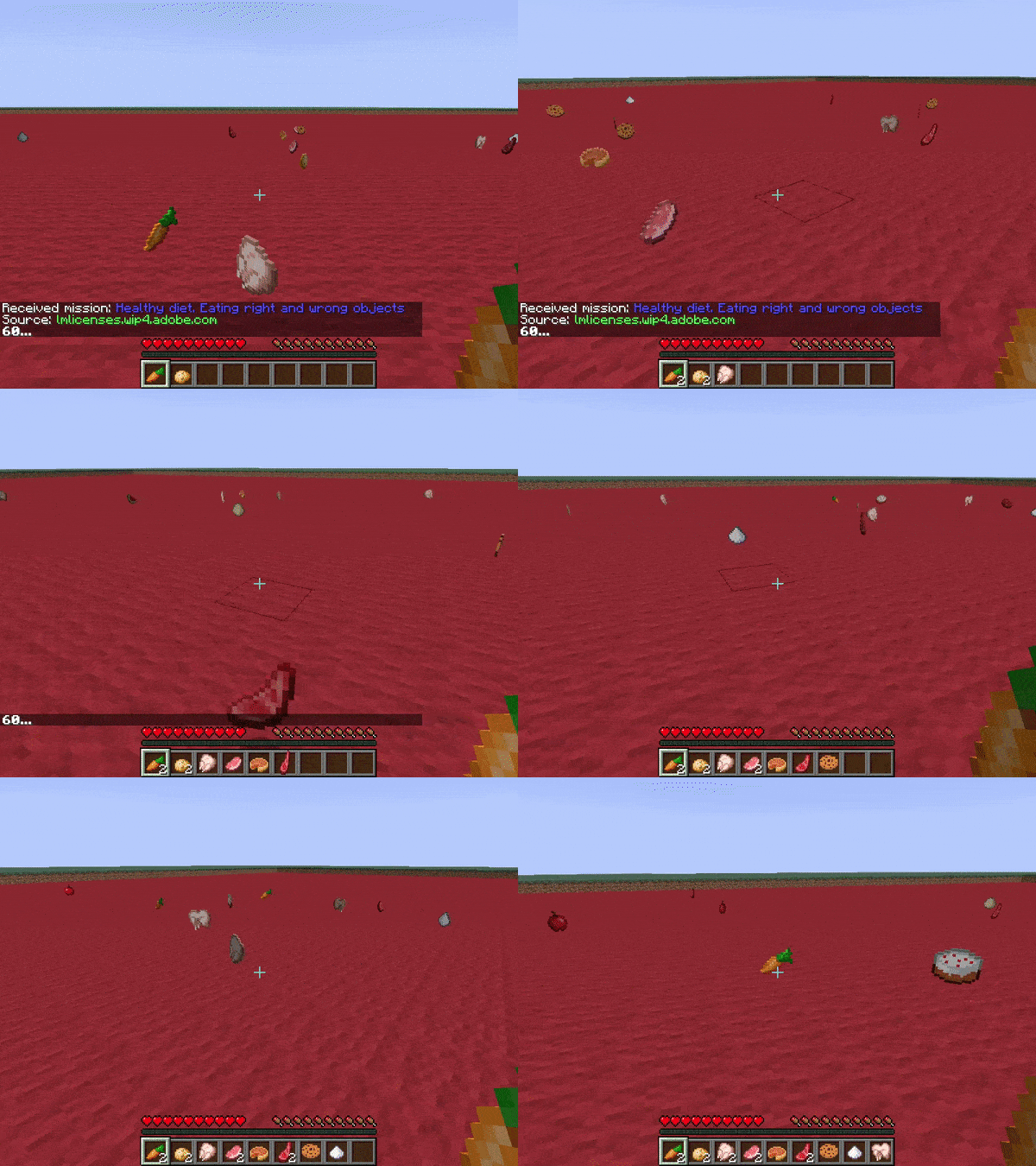
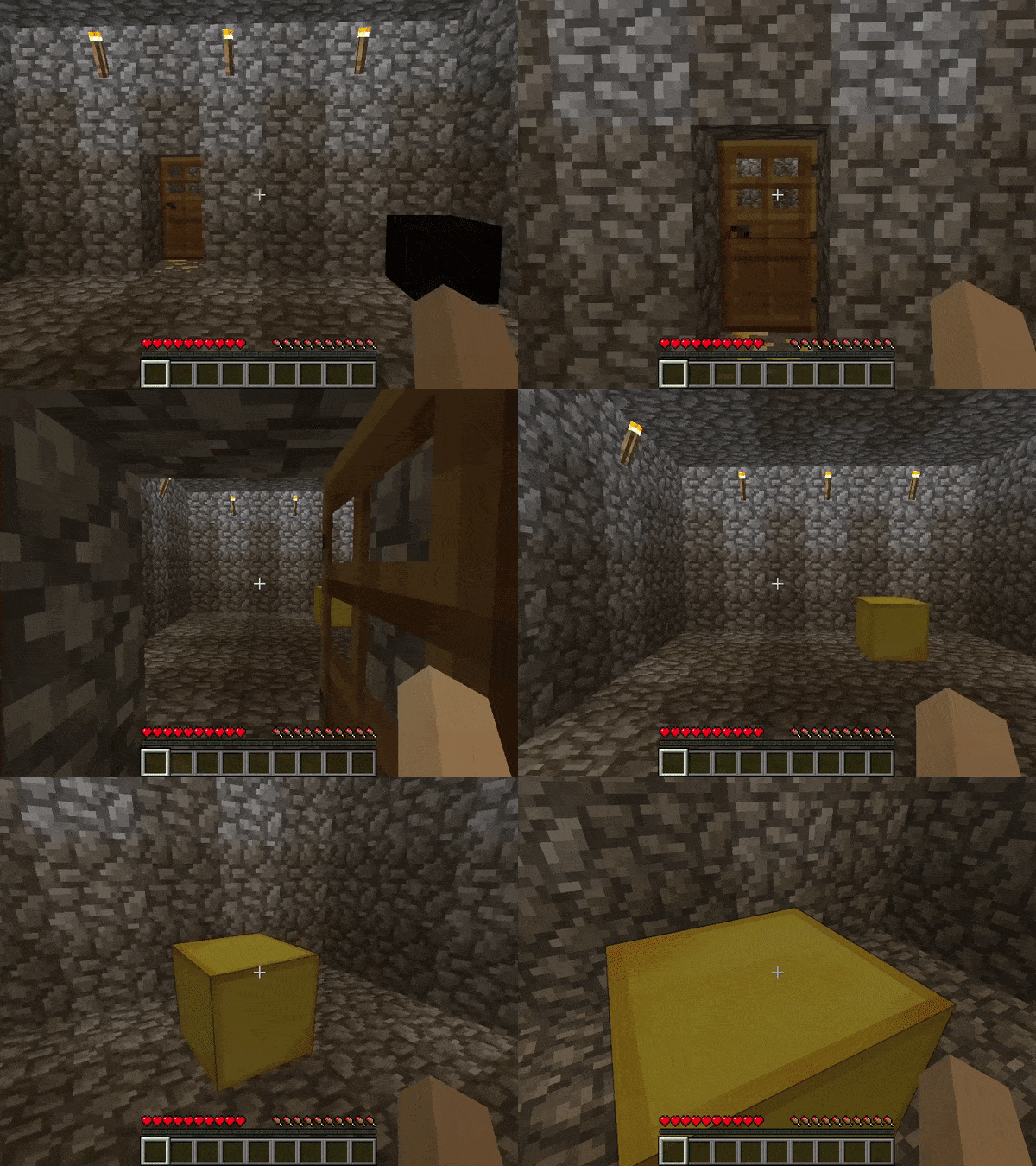
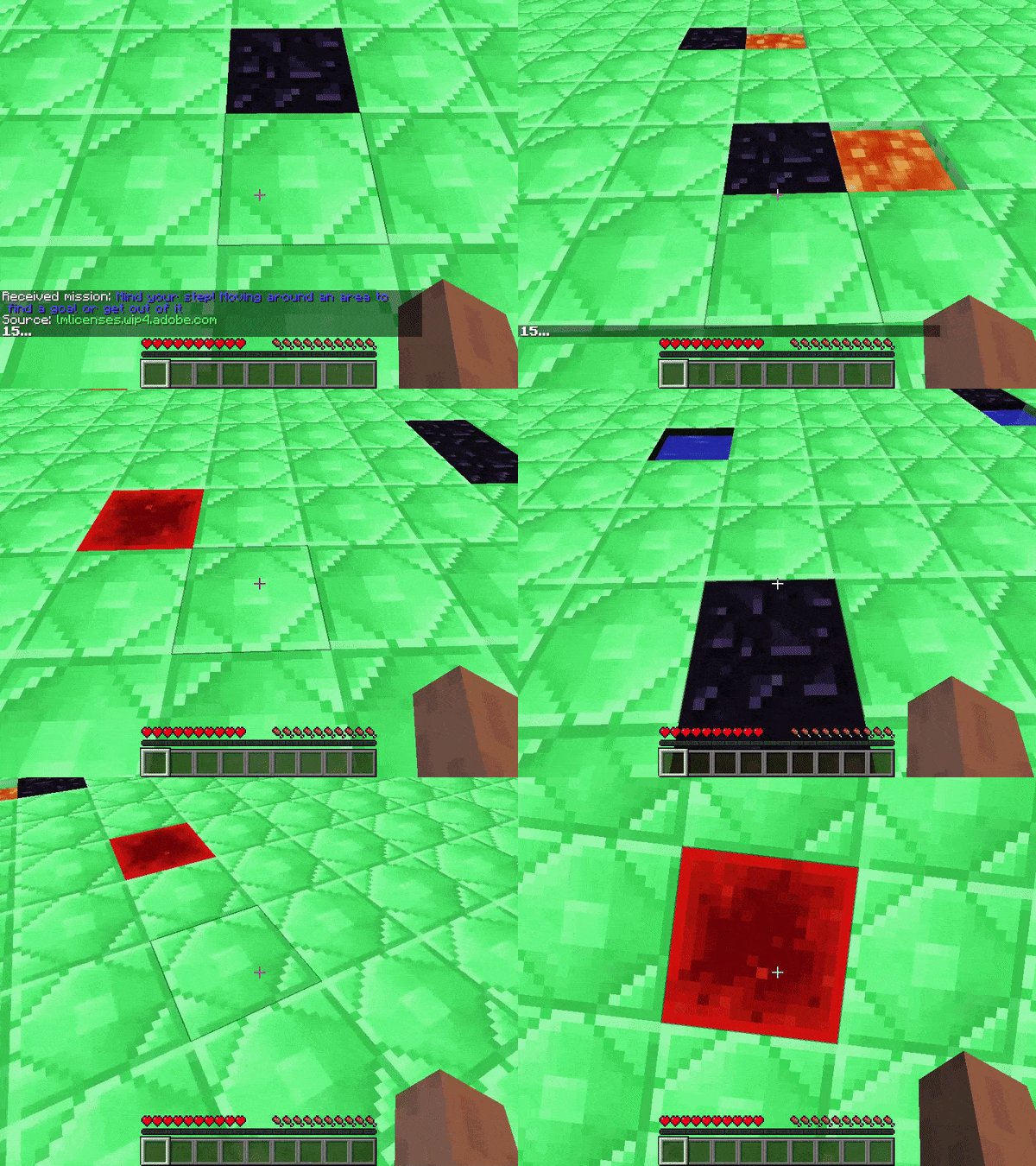
Multi-Agent (turn-based, discrete):
|
Requires 2 agents. Single-agent mode not supported. |
Warning
TreasureHunt requires 2 agents. The Malmo server waits for both agents to connect before starting. Running in single-agent mode causes a timeout.